Join me at M365 Twin Cities - Sep 18, 2026
I’m excited to announce I’ll be speaking at M365 Twin Cities! This free community conference brings together a full day of Microsoft 365 and Power Platform content, and I’d love to see you there.

I’m excited to announce I’ll be speaking at M365 Twin Cities! This free community conference brings together a full day of Microsoft 365 and Power Platform content, and I’d love to see you there.

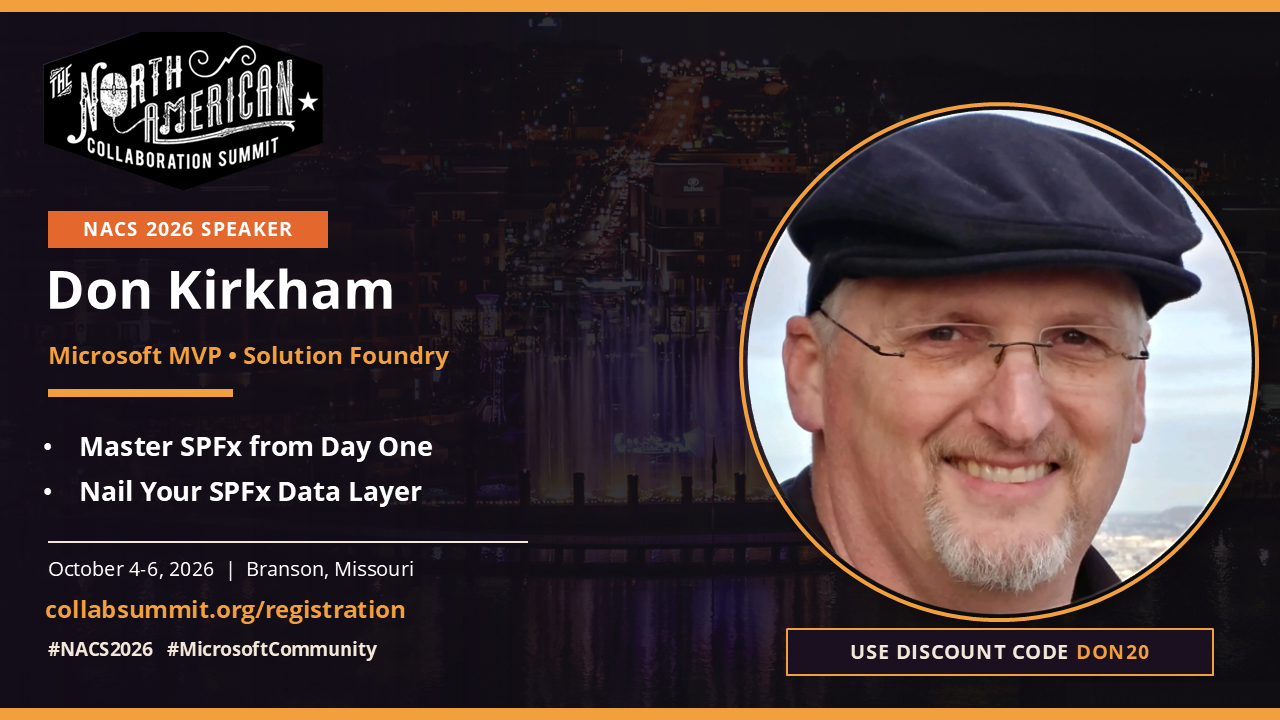
I’m excited to share that I’ll be speaking at TechCon 365 Seattle, running August 24–28, 2026. This is one of the best gatherings in the Microsoft 365 ecosystem, and this year’s developer track is stacked with some of the sharpest dev speakers in the community who will be sharing real-world, tested content. If you write code for SharePoint, Teams, Viva, or Power Platform, this is where you’ll want to be.
Use code DON200 at checkout for $200 off your registration.

I’m thrilled to announce that on January 5, 2026, I joined Solution Foundry as a Senior Technology Advisor. While I’m publishing this a bit later than planned, I wanted to share this expanded role that represents an exciting opportunity to combine strategic planning, hands-on development, and team training in ways that build on my nearly two decades of SharePoint and Microsoft 365 experience.

If you’ve been working with SharePoint Framework (SPFx) for any length of time, you know the drill: look up the Node.js version compatibility, install the right LTS version, manually install Yeoman, the SPFx generator, and the correct task runner (Gulp or Heft, depending on the version). For modern SPFx versions, this might take 5 minutes if you know what you’re doing. For older versions or platform-specific deployments like SharePoint 2019 or Subscription Edition? Much longer.
What if I told you there’s a way to do all of this in under a minute, completely automated, for any SPFx version—past, present, or future?
With the release of SPFx v1.22.0, Microsoft has moved the default build toolchain from Gulp to Heft. This article provides a quick start guide to setting up a new SPFx development environment using Heft as the toolchain. If you are new to SPFx or just want to set up a new environment, this guide will walk you through the necessary steps.

It’s been a while since I posted, but with SPFx v1.22.0 due out in the next couple of weeks, I decided to make a final update to this article on how to get started with SPFx using the Gulp toolchain. In case you haven’t heard, v1.22.0 will no longer use Gulp as it is being replaced with Heft. The main reason for this change is that the Gulp toolchain has been very difficult to keep up-to-date, and the internal engineering teams at Microsoft switched to Heft a while back. Since they are actively maintaining Heft for their own use, we will now benefit from that work.
Expect a companion post soon on getting started with SPFx using the Heft toolchain.