
Posts

Resetting Azure MFA Registration

![Azure](/img/banner-azure.jpg)

Users occasionally lose access to their Multifactor Authentication (MFA) source, possibly by purchasing a new phone or changing phone numbers. When this happens, they are locked out of any resource that requires MFA. In these cases, they need to re-register for MFA with their new source.

Here are the steps to reset MFA registration for a user in Azure:

NOTE: to reset a user’s MFA registration, the account performing the following actions must be in the Authentication Admin or Global Admin role.

Use your own custom Teams background


While Microsoft is always working on expanding the capabilities of its Teams app, the rapid acceleration in the use of MS Teams during the global COVID-19 pandemic has also accelerated implementing some of the features on the backlog in an effort to compete with other group conferencing applications like WebEx and Zoom. Some of these capabilities include allowing the user to blur the background during video calls, as well as changing the background and increasing the number of video participants visible in the gallery.

UPDATE: North American Collaboration Summit

Original post: 2020-01-22


UPDATE

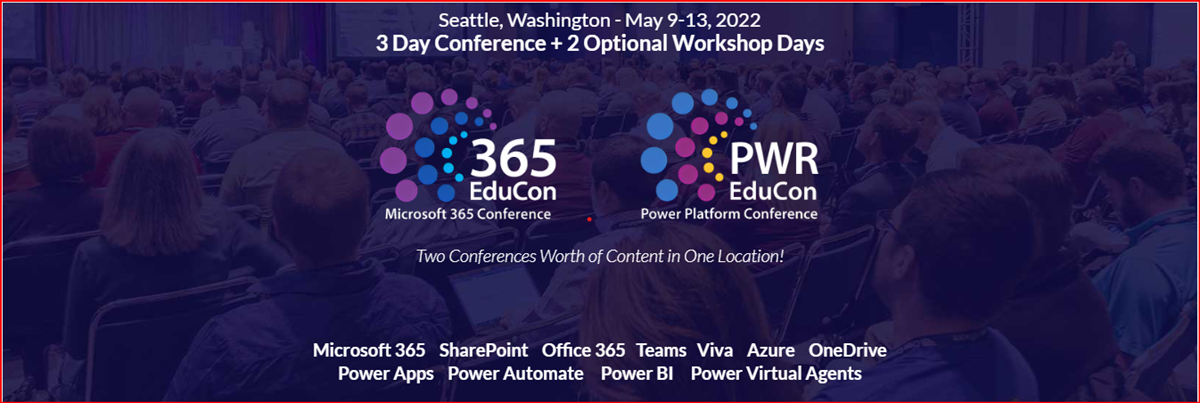
Due to the global pandemic, NACS has been rescheduled for Sep 28-30, 2020. Click the image above for the latest information

UPDATE-AUGUST 14

NACS is officially a go for Sep 28-30, 2020. The event sill be the first hybrid conference! Click the image above for the latest information, including what session(s) I will be presenting!

If you haven’t heard, there is an awesome conference being held in Branson, MO, April 2-3, 2020. In addition to having many of the same speakers at the large Microsoft conferences, this is one of the most affordable conferences in the country, almost 10 times less than the major conferences. There are 70+ sessions over the two day conference and 7 additional full-day workshops. I hope to see you there!

New Debug Options for SPFx (Edge)

VS Code

As the development pendulum has swung back to the “front end,” I find a majority of my time in VS Code. Back in the early days of VS Code, I missed the rich toolset of Visual Studio, but as I became more comfortable with the combination of command line and graphical interfaces in VS Code, as well as the explosion of awesome extensions for VS Code, I found myself opening Visual Studio less and less. (Honestly, when I open Visual Studio these days, it’s because the icon is next to VS Code in my taskbar and I accidentally click the wrong one. As long as it’s open, I apply the latest updates and close it back down.)

Uninstall app with PowerShell

PowerShell

I recently found myself in a situation on a client’s device where I needed to remove an application, but I was not a local administrator on the device. After evaluating options (like the slow WMI client), I turned to PowerShell. PowerShell provides a simple and fast way to search for and uninstall MSI-installed applications.

Skip to the code!

After exploring a few options, including the glacially slow WMI client, I decided to turn to my old friend PowerShell. And voilà! PowerShell provides a simple and fast way to search for and remove applications.

Ignite 2020 returns to the Big Easy

Ignite

NEW DATES. NEW LOCATION. NEW EXPERIENCES.

Ignite is moving to New Orleans! There’s no place quite like New Orleans and we’re planning an event that’s equally dynamic, with amazing opportunities for you to engage with experts, expand your skills, and explore the latest technology.

You can pre-register today to make sure you get the latest information as soon as it’s available.

Pre-register here

I’ve already started looking forward to the parties … errr … I mean the awesome sessions, keynotes and sessions. Hope to see you there!

SharePoint Framework (SPFx) Quick Start

SharePoint Framework

For the several years now, I have concentrated on helping developers to get started coding in the SharePoint Framework (SPFx). My primary message has always been that, “despite it being a complete departure from previous coding approaches in the SharePoint, it’s not as difficult as it seems and you should just give it a try.” I am updating that presentation to include recent changes to SPFx as I prepare for upcoming engagements at North American Collaboration Summit (NACS) and ShareCloud Summit and will post it on this site when available.

Here we go!

Getting Started

Well, I’ve been trying to do this blog thing for almost 10 years, but just never had the time (or so I told myself.) There are a couple of reason I can use to “justify” my delays and neither of them are very good reasons:

  • Procrastination: This is just a copout because this is just a matter of prioritization. When I want to do something, it gets done and on time. But I always seemed to find something that was more important that taking the time to set up a blog
  • Unrealistic expectations: As a software developer, I love working in many areas, but web-based development has become my main focus over the last 5-6 years. While I certainly know how to build a website, I don’t consider myself a very good web designer and have always doubted my ability to create this “amazing” website that would show the world what a great developer I was.

While I have known for a while that neither of those excuses were valid, I let my inner voices convince me that I wasn’t ready. (Did I just admit to having multiple inner voices? Oh my!)